
รับเขียนโปรแกรมขายตรง
ด้วยระบบทันสมัย
รองรับการใช้งานสำหรับสมาชิกในองค์กรของคุณ
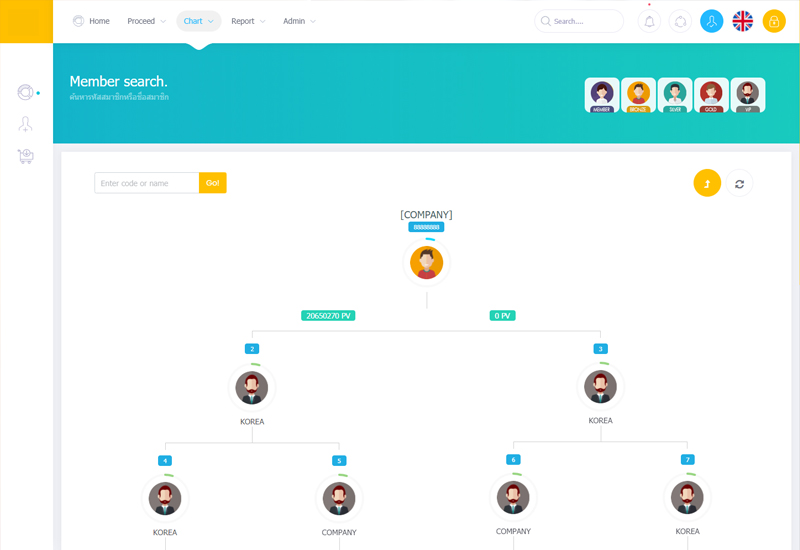
รับเขียนโปรแกรมขายตรงด้วยระบบที่ทันสมัยเพื่อรองรับการทำงานของสมาชิกในธุรกิจของคุณ พร้อมโปรแกรมะบบการคำนวณโบนัสตามรูปแบบแผนการตลาดของบริษัท ไม่ว่าจะเป็นแผนการแนะนำการตลาดแบบตรง หรือแบบไบนารี่
- บริการอัพดดทระบบ
- บริการสำรองข้อมูลสมาชิก
- บริการสอนการใช้งานก่อนใช้จริง
- ใช้งานผ่านมือถือหรือแทปเลทได้ทุกระบบ

ยุค 5G ต้องมีตัวช่วย!
ทำการตลาดออนไลน์
พร้อม..ระบบสนับสนุนการทำงานออนไลน์ ด้วยระบบ AI อัจฉริยะที่สนับสนุนการทำงานแบบออนไลน์เพื่อค้นหาผู้ที่จะมาเป็นผู่ร่วมธุรกิจในธุรกิจของคุณ
ลิงค์แนะนำ
สร้างองค์กรผ่านระบบออนไลน์
ร้านค้าออนไลน์
ระบบตระกร้าสินค้าแบบดร็ปชิพ
ปรับแต่งง่าย
คุณสามารถปรับแต่งร้านค้าทั้งการเพิ่มสินค้าได้ด้วยตัวเอง
ระบบอัจฉริยะ
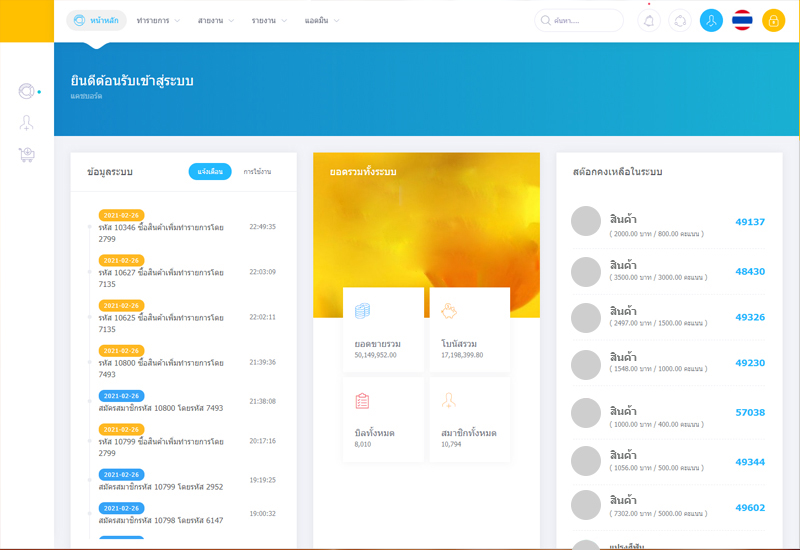
ระบบการเชื่อมต่อส่งข่าวสารถึงมือถือให้สมาชิกทราบข่าวสารทุกการเคลื่อนไหว
ใช้งานง่าย
บนมือถือคุณ
ง่ายต่อสมาชิก
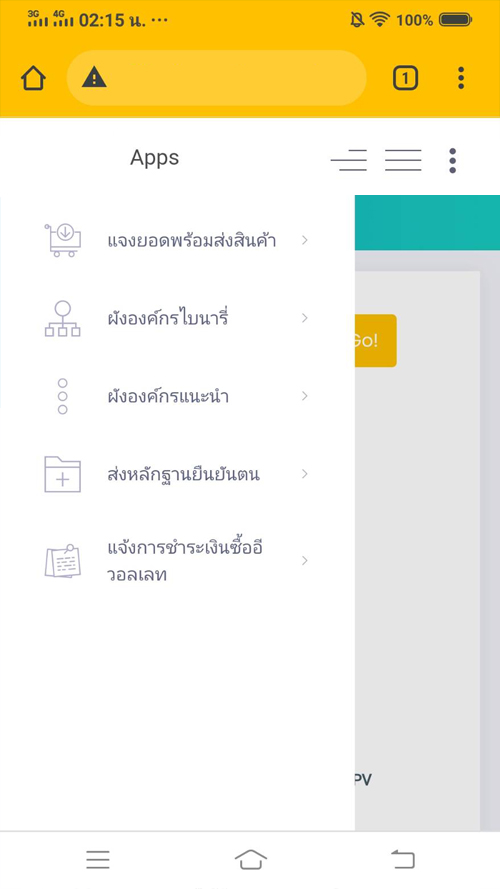
สมาชิกของคุณสามารถตรวจสายงานโครงสร้างผ่านมือถือได้ทันที
รองรับการใช้งาน
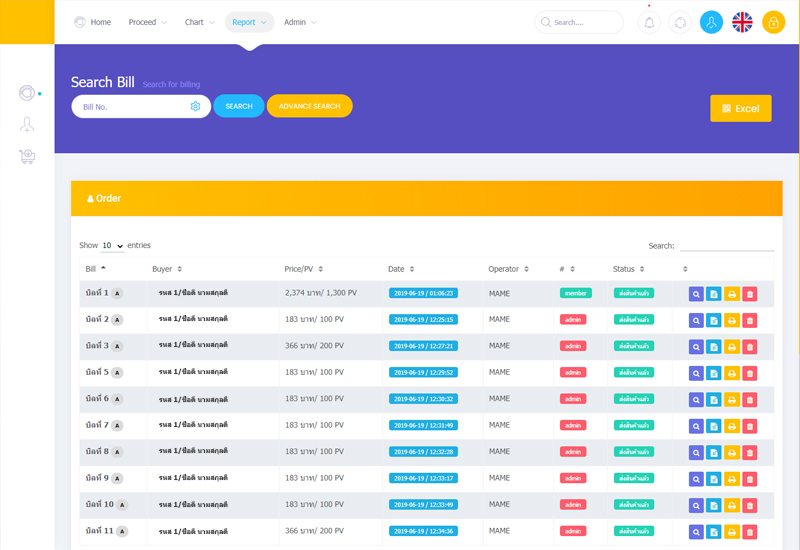
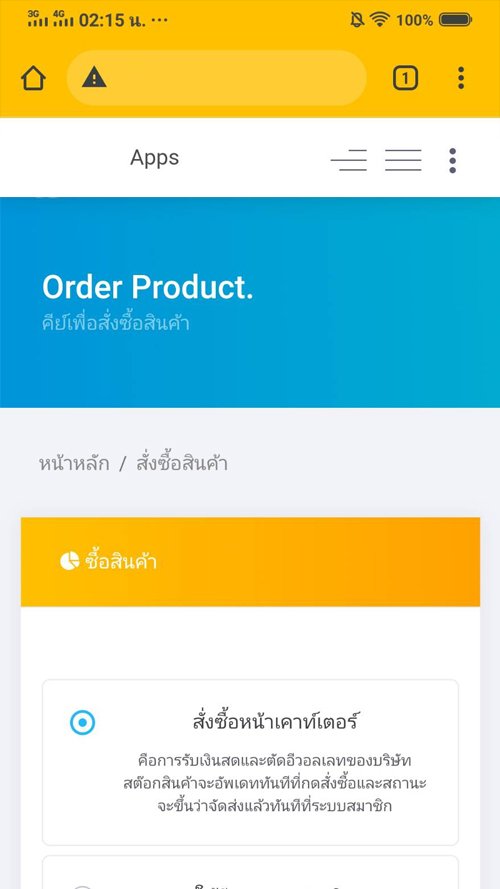
สมาชิกสามารถลงยอด หรือสั่งซื้อสินค้าได้ด้วยตัวเอง
รูปแบบและเมนู
เข้าถึงฟังก์ชั่น และการใช้งานผ่านเบอเกอร์เมนู
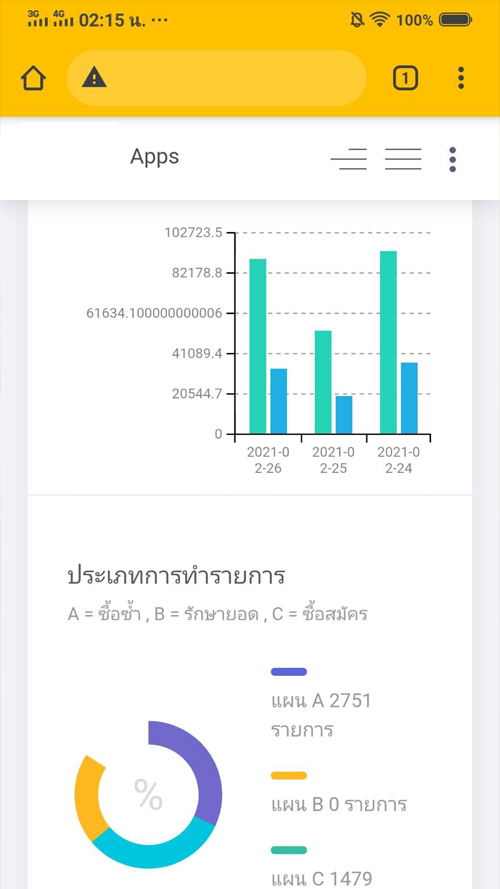
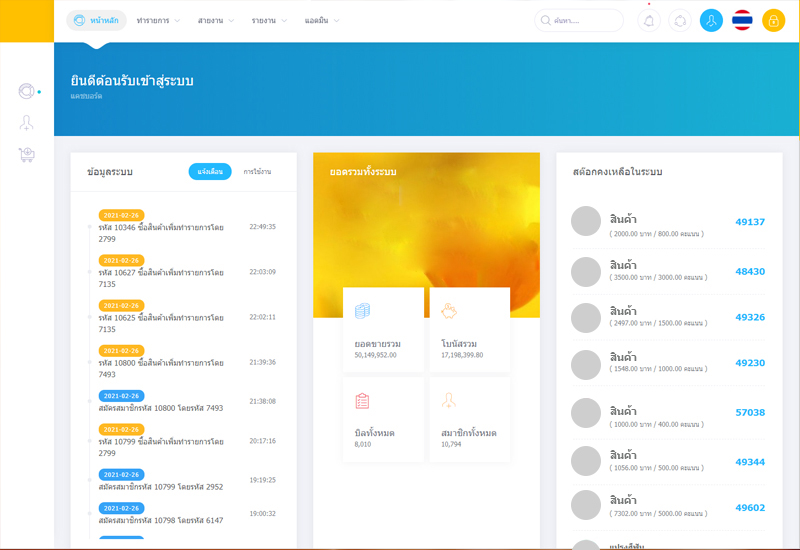
ตรวจสอบยอดขาย
ตรวจสอบยอดขายอละองค์กรสมาชิกได้ง่ายๆ
แจ้งเตือน
ระบบแจ้งเตือการทำรายการของสมาชิกของคุณ
HTML5 and CSS3
สนุบสนุนการทำงานได้ทุกสถานที่ ทำให้ง่ายทำงานเป็นเรื่องง่ายๆ